NetworkChuck · Transcript · · Updated
i got one....and it's FAST!!! – Transcript
Video by NetworkChuck · Watch the original on YouTube
Summary
AI-generated from the transcript. Verify details against the source video.
- NetworkChuck compares the M5 Ultra and M3 Ultra Mac Studios head-to-head for running local AI workloads.
- The M5 Ultra features neural accelerators on every GPU core and a higher memory bandwidth of 1.2 TB per second.
- The M5 Ultra is tested across multiple tasks including text summarization, transcription, image and video generation, and agent workflows.
Use this video with Pro
Reading, copying and transcript downloads are free. Create saved AI results for this video with a signed-in Pro account ($9/month).
Transcript
Search ignores accents. All transcript text stays visible.
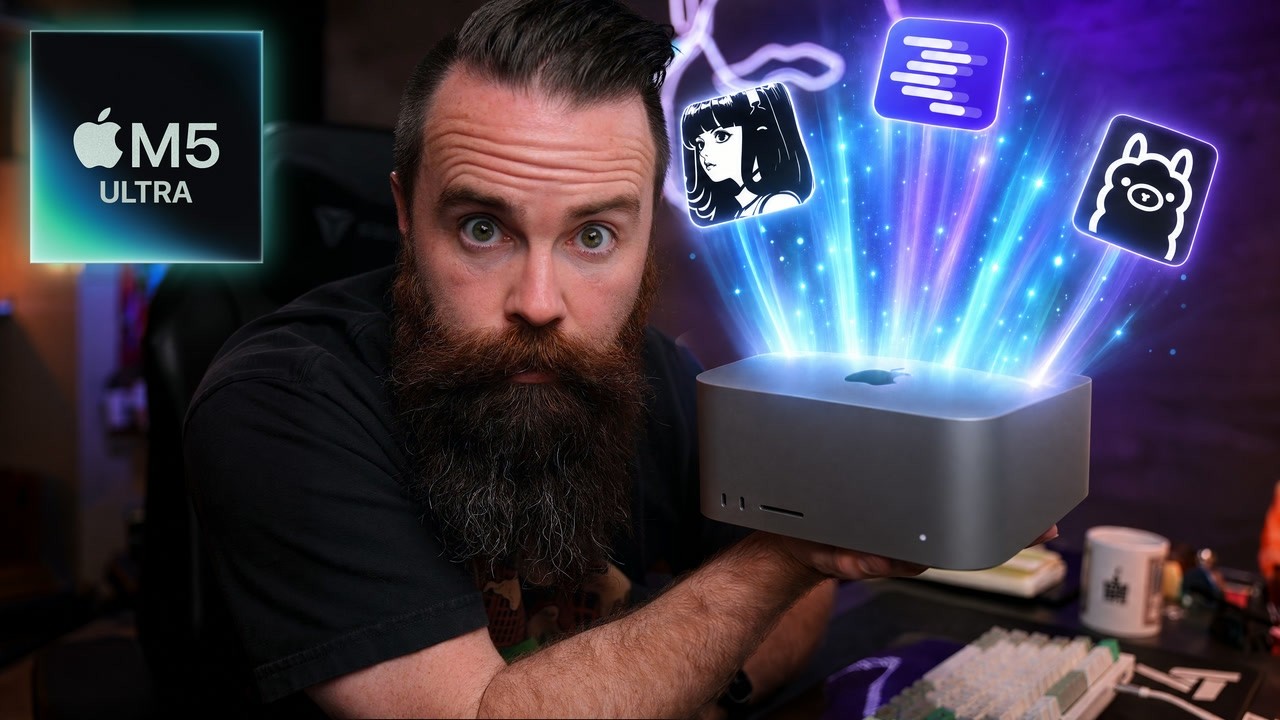
I got one. An M5 Ultra. Want to see it? It's empty. I'm a terrible unboxer. Now, I did that to illustrate the fact that I'm not going to use this like you would. I'm not going to put this on my desk and plug my keyboard and mouse into it, my monitors. No, no, no. It's going to be in my server room because I treat it like a server. Look, there it is. All I care about is local AI on this sucker.
And that's what we're testing in this video. It's supposed to be four times faster than its predecessor, the M3 Ultra. I also have one of those. Let's see how they do head-to-head. Yeah, we're going to do benchmarks, don't worry. But, it's not just that. We're going to really test it for things I might use it for. Image and video generation, transcription and video ingestion. What about Kev, the open-source version of Jeff? Or Leia?
Can our local model use DaVinci Resolve to edit my videos? We're going to test all that. Get your coffee ready. Let's go. And shout out to Micro Center for sponsoring this video. We'll talk more about them later. But, before we start, a couple of ground rules. Apple loaned me the M5. It's not mine. They sent it to me. They said, "Look at this." And I said, "Okay." They don't control what I say, but they do control me sending it back, which makes me sad. Number two, we're running local AI on this thing.
You're not talking to OpenAI or Anthropic servers. Everything's happening right here. No internet required. So, these are all my tests and all my numbers. That's it. Let's go. Now, here's what I want you to pay attention to. Here's the spec comparison CPU. Yeah, more cores, cool. But, there's two things I want you to focus on. First, the GPU. We have the same 80 cores in both the M3 Ultra and the M5
Ultra, but every one of these cores has a neural accelerator in the M5 Ultra. What's it accelerating? We're about to find out. And then this right here, the memory bandwidth. Going from 819 GB per second to 1.2 TB per second. So, memory bandwidth and GPU core neural accelerators. Let's watch it happen.
Okay, the race is set. Right here we are rocking the Quen 3.8 27-bit 4-bit model on both machines. I'm going to switch this sucker over to a 32K prompt, and here's what we're actually doing.
I'm sending a 32,000 token essay to both machines and saying, "Hey, summarize this sucker." You ready? Let the race begin. Start. And they're off. Perfect time for a coffee break. I wonder who's going to win. It's going to be the M5.
But by how much? Dude, he finished. Okay, good job, M5. And a couple of cool things happened right here. I I I cannot wait to tell you what it is, but we're going to wait for the M3 to catch up. Come on, M3. There he goes. Good job, M3. Clearly we have a winner. Let me show you my favorite metric. Look at this. This right here, the first word.
M5 did 21.66 seconds. The M3 did 82.85 seconds. What does that mean? I like to call this the wait. The industry might call it TTFT or time to first token. But what does that mean? Well, when you prompt these models, when you send that 32,000 token prompt, it has to read that entire prompt all at once, all 32,000 tokens. This is hard to do. That's some big brain matrix multiplication math and
requires a ton of GPU power. But the M5 smoked the M3. Why? They both have 80 cores, right? 80 GPU cores. What's the difference? It's probably going to be those neural accelerators, right? That's what I'm guessing. They accelerated that thing. Looking at our scoreboard, the M5 was 3.8 times faster.
And if I scroll down just a bit more, we can see where else the M5 won. On speed, it was 1.5 times faster. And when I say speed, it's up here. 43.3 tokens per second for the M5 and 28.1 tokens per second for the M3. And when I say tokens per second, I mean like Think about a token as a word. So, John might be a token. Stewart might be a token.
It's not exact. I'm just making it simple here. So, the M5 was able to produce 43 of these tokens or words a second, whereas the M3 is a bit slower on at 28. Why? And it's not the GPU cores. We already covered that. This is a different metric. Okay, we're about to get a little bit nerdy here. So, here's the reason why. The GPU can only produce or process one token at a time. So, John and then Stewart and then Mills and then on. Now, the math to produce each one of
these tokens is actually pretty easy for the GPU. It's not like before where to process the entire prompt all at once. That was a lot of math. Here, it's one token at a time. Easy math. 2 + 2. Okay, I have to draw this. This Quinn model is roughly 15 GB in size. That's the size on disk of its parameters or weights.
Now, here's where it hurts. Every time the GPU calculates a token, it has to pull all 15 gigs of that model out of memory to do the math for every token, every time. 15 gigs. Now again, the math to do this token or to create this token, easy for the GPU. But now we're at the limit of what's happening right here, memory transfer speed. The time it takes to get the 15 gigs of weights and parameters out of memory to the GPU so it can do its math. So, why do you think the M5 was faster?
Memory bandwidth. Looking back at our specs, 1.2 TB per second versus 819 GB per second. It's a 50% increase. And looking back at our scoreboard, that adds up. 1.5 times faster. As you're watching this, you want one, don't you?
Or at least you want to dip your toe in a local AI somehow, right? You do. The best place to do that, it's Micro Center. Micro Center is the perfect sponsor for me because I I go there all the time.
I seriously do. Just to walk around. I don't even want to buy anything sometimes when I'm there. I just want to look at it. And I always end up buying something. But for this video, I have to focus here. Their AI stuff, they got it all. You want a Mac Studio, which I think the new ones, the M5's are available tomorrow, September 22nd. So, go get you one if you're impressed by this thing. Um otherwise, get another one.
Do you want an Nvidia DGX Spark? I have one of those, get one of those. The AMD things, pretty much anything local AI, they're going to have your back for. So, they're ready to dip your toe into this world and get control of your AI, go to Micro Center. And also get whatever else your heart's desire because they have literally everything. Raspberry Pi's, gaming PCs, TVs, ethernet cables, ethernet tools to build cables, just everything. UniFi.
If you If you have a home lab, you haven't been to Micro Center, go. They're actually opening up a new store in Austin soon. What did they say? It's opening this year. So, Austin, look out for that. But if you're here in Dallas, dude, just go to one. And they have a bunch everywhere. List right here. Oh, and also the Austin store, you can sign up for a free 128 GB flash drive and redeem it when the store opens. Link below. So, yeah, that's awesome. So, thanks again for Micro Center, my
favorite store, for sponsoring this video. Back to the M5. Okay, with that in mind, let's try some different model sizes. Instead of a 27B, let's try a 14B. 32K, let's start. The wait was only 14 seconds for the M5, 57 seconds for the M3. I was going to say not too bad, but it's kind of bad.
Compared to the M5 Ultra, I mean, come on. Looking at our scoreboard, we're kind of widening the margins here. Four times faster on the wait or TTFT, and 1.7 times faster on speed. Now again, all we changed was the model size. And I want to kind of hit that home cuz the larger model you go, the more stuff, the more memory and speed and GPU you need. This 14B model is roughly 8 gigs in size. That's 14 billion parameters. So, the memory's
transferring 8 gigs each time. Okay, what about the 35B? >> Or the 122B. Now you might be wondering, "Chuck, those numbers don't make any sense."
They do. At first glance, I agree with you. But those models were not all the same types of models. Some were dense, some were mixture of experts. I got the full test below and explanations as to what that is. But we got to move on. Now it's time for testing transcription. Now, just to make sure that you are aware >> >> that I do indeed have this Mac.
Here's my normal M3 Mac. Let me go to about cuz I realize all I showed you was an empty box. But there it There's my M3 512 GB of memory. And here's my M5 256 GB of memory. I know some of you in the comments were thinking that. Now I transcribe with AI a lot. I transcribe my videos and my voice notes. What you're seeing here are going to be a test between the M3 Ultra and the M5 Ultra with Whisper models from Open AI.
Those are local, you can run those locally. Okay, we'll start with a 13.8 minute recording. I don't know why it's 13.8 minutes. It's kind of weird. And we'll do it on the large V3 model. And we'll keep going down. Ready, set, go. Notice we do have stats running at the the entire time. M5 finishes. Did a pretty dang good job. 1.8 times faster.
Let's go down a model. Let's go turbo. Start. Look at that. 2.3. Medium. Keeping in mind the smaller we go on the model, the faster it can go or transcribe. 1.6 times faster, let's go small. Man. Base. 2.1 seconds. And then tiny. Man. All right, now let's go for a larger recording. A whole day, which is 2 and 1/2 hours. No, 2 hours and 5 minutes. I don't know why it's saying whole day. A whole day worth of
recording. Okay. Let's go large V3. Ready, set, go. Now pay close attention to the power usage. This is a killer thing about these Mac Studios, especially when you treat them like AI servers. You're not going to get this running GPU farms or GPU clusters. 89.4 seconds for 2 hours and 5 minutes of audio on Whisper Large V3. It's pretty good. Verdict's in, 1.7 times faster.
Let's go Turbo. I won't do the rest because I'm getting bored. We'll see how fast Turbo goes. 24.4 seconds for 2 hours of audio. That's amazing. 2.3 times faster on Turbo.
The M5 Ultra is killing it. Want to try Tiny to play with that. 12 seconds. Would I use this? 100%. Like transcription is one of those things that we can trust AI with. Open source AI does a great job. Open models do a great job with that. And this is so fast. 2 hours like that. And I transcribe footage like every single day. Now, another thing I do as a YouTube creator is I have AI analyze my footage. Like actually look at my footage and tell me what's
happening in that frame. So, like when I have a given clip, I know what that clip's about. Like if I'm filming me playing with a new duo iPhone duo, I want it to be able to analyze and go, "Yeah, Chuck was playing on a some kind of folding iPhone device." Currently, I do this with the Gemini video API. Let's see how the new M5 Ultra will handle it.