Fix369 · Transcript · · Updated
Fix "Focus Blurry Issues" on iPhone Camera after iOS 26! – Transcript
Video by Fix369 · Watch the original on YouTube
Summary
AI-generated from the transcript. Verify details against the source video.
- If low power mode is enabled, the user can turn it off, force quit and relaunch the camera app, or zoom in and out several times.
- Users can change different camera modes, manually focus by tapping the screen, or back and forth between the front and back camera.
- If the camera is still blurry, users can restart the iPhone, clean the lenses, remove third-party lens covers, or reset all settings.
Use this video with Pro
Reading, copying and transcript downloads are free. Create saved AI results for this video with a signed-in Pro account ($9/month).
Transcript
Search ignores accents. All transcript text stays visible.
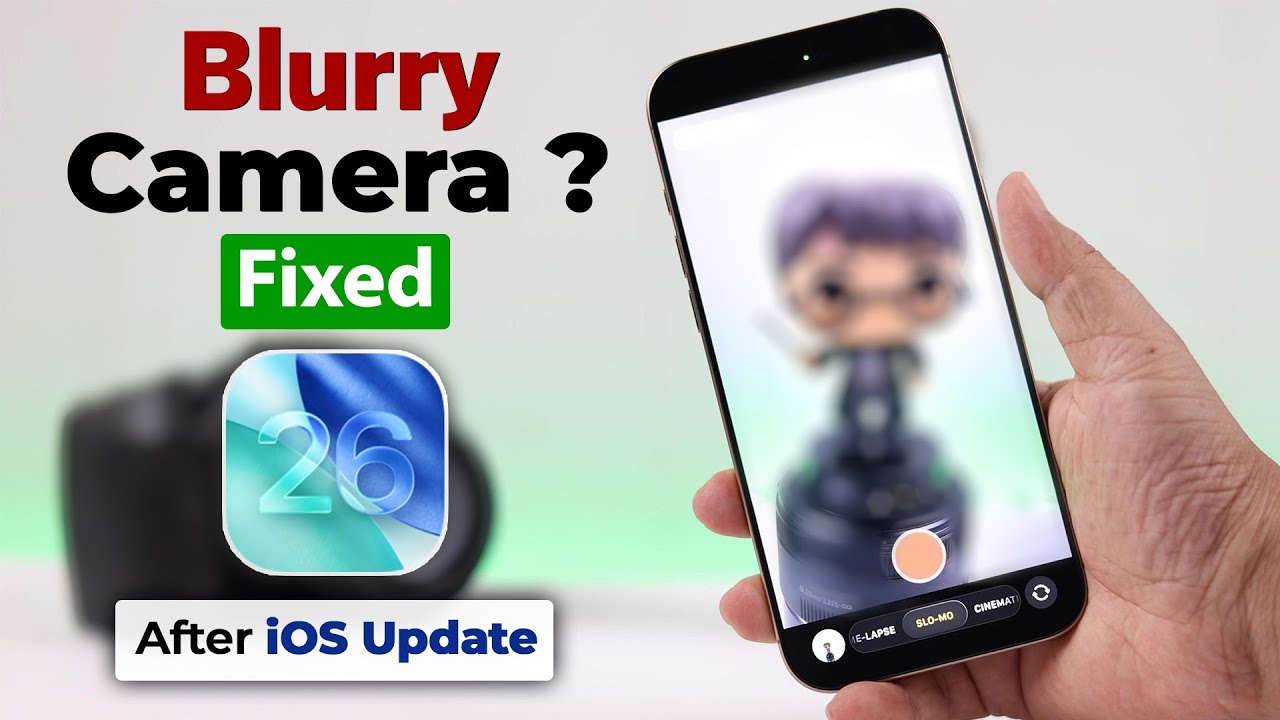
So, especially after updating to iOS 26,is your iPhone camera giving you blurry issues? Like it's constantly stuck onfocusing and refocusing instead of taking a clear shot? Well, don't worry.There are several ways to fix it.
Now, first of all, if your iPhone is onlow power mode, just first turn it off and then first quit the camera app andrelaunch it. Now, you can also zoom in and out several times and see if thatsolves your problem.
Similarly, you can also change differentmodes like from video to photo to portrait and vice versa.You can also try to manually focus on your camera by tapping over the screen.Now, talking about focusing, also make sure you're not too close to thesubject. And also, you can back and forth between the front and back camerabecause a lot of times this solves the
issue.If none of these worked for you, quickly give your iPhone a restart. This mightbe happening for software glitch. So, ooster will solve that.If your camera is still blurry, it's not focusing, just go ahead and grab a pieceof soft and clean clothes and then properly clean the lenses behind youriPhone. You can also check if there is
any physical damage over the lenses ornot. So if you're using any third party lens cover, we don't have any, but thisblurry issue might also come and go if you're using one. So just go ahead andtake it off. You can also open any third party app with camera option and test ifit's showing blurry in there as well or not. So if it's showing blurry ordefocused in there as well, there might
be some customized settings behindthese. So let's reset all settings on our iPhone. From settings, go to general, scroll down to transferand reset iPhone.
From there, go to reset and then go toreset all settings and then tap on reset all settings a couple of times afterthat. After the reset, if there is no hardwareissue, your problem will be solved. If it doesn't, make sure to download theApple support app on your iPhone. And from there, you can specifically searchfor camera issues. And then you can book
a reservation in the nearest servicecenter. Happy clicking. Thanks for watching.